Add Sites to Java security exceptions list with Powershell
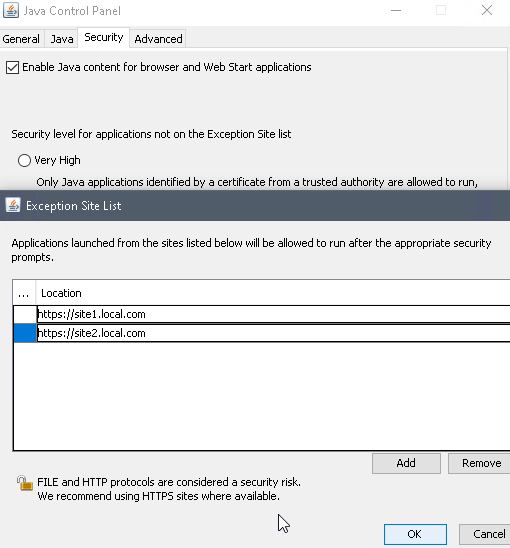
Java security exceptions are a pain. Its a setting that needs to be set for each users. You should add sites to this list sparingly but chances are that if you have any internally hosted websites that use java, one of them will need to be in the exception list. Here is a script that will add sites to java security exceptions list with powershell.
Deployment Options
The easiest way to use this script is to add to it SCCM. You can see how to do that in this post. This script can be run on a local PC as well or run on a remote PC using PSSession.
Script
The only thing for you to edit in this script is the $SiteList array. The script will read all the user folder and add the sites that are in the $SiteList array to the Java security exceptions list for each of those users.
$SiteList = @()
$SiteList = (
    "https://site1.local.com",
    "https://site2.local.com"
)

$UserFolders = Get-ChildItem -Path C:\users | select -ExpandProperty Name

foreach ($User in $UserFolders) {
    foreach ($Site in $SiteList) {
        Add-Content -Path "C:\users\$User\AppData\LocalLow\Sun\Java\Deployment\security\exception.sites" -Value "$Site"
    }
}