Loading Now

🔍 Linux Process Inspector: Can You Diagnose the Command Line?
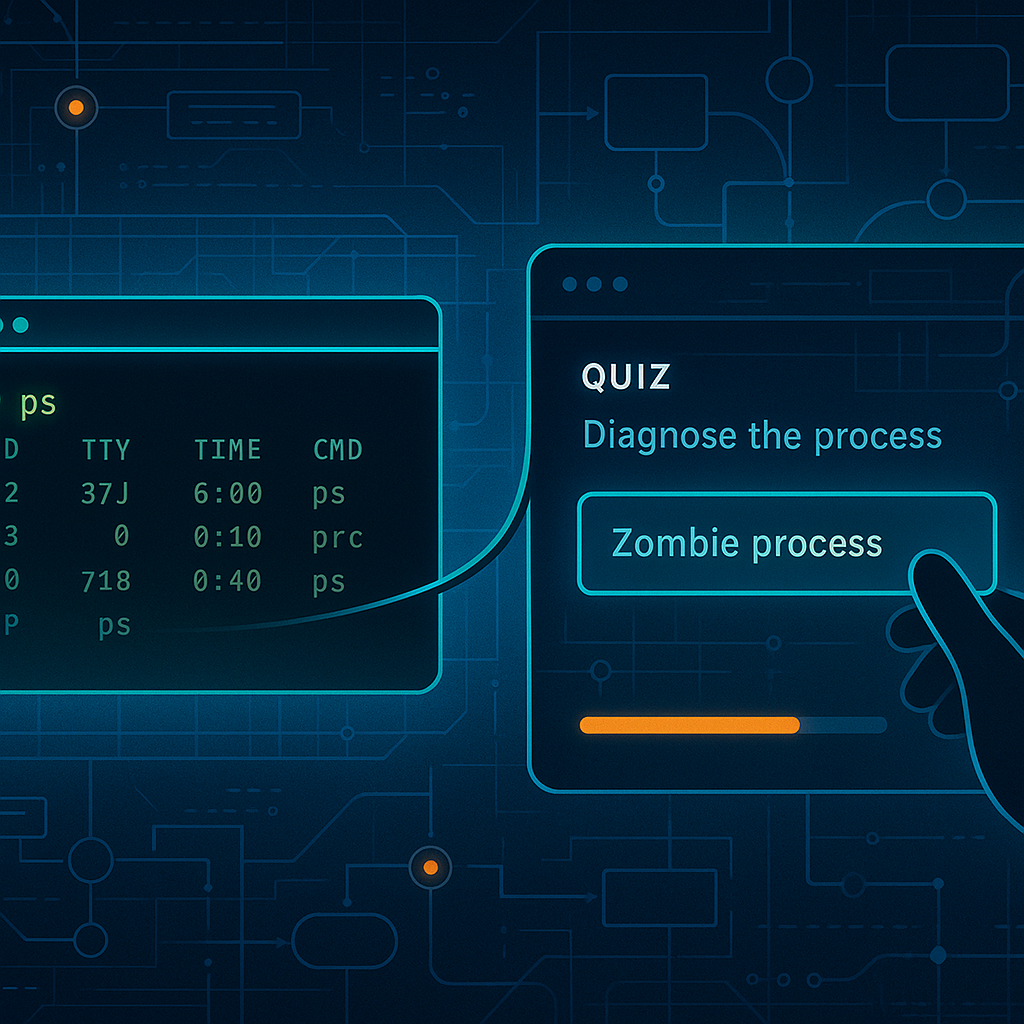
What Is the Linux Process Inspector?

🔍 Ever looked at a full ps output and wondered if you spotted the zombie 👻? This interactive challenge tests your process inspection skills with real-looking Linux process tables, CPU stats, and scripts. It’s your job to diagnose what’s happening and make the right call—whether it’s tracing a runaway process, identifying defunct children, or spotting a fork bomb before it melts your core.

How It Works

  • Each round shows `ps` output or a relevant snippet from Linux shell.
  • You’ll be asked a question based on what’s shown — what’s failing, why it’s spiking, or what action to take 🍳.
  • Score updates instantly. Learn by doing, and find out exactly where your knowledge gaps are!

Built entirely in HTML/CSS/JS, this tool runs locally in your browser. No login, no loaders. Just command-line-inspired fun.

Other Tools You’ll Love

🔗 Launch Linux Process Inspector Now

My name is Skylar Pearce, I have been working as a System Administror since 2013 as well some side consulting work. During my career I have worked with everything from Active Directory and vCenter to configuring routers and switches and phone systems, documenting and scripting my way through the whole thing. I have a Security+ certification and am currently working on my PenTest+. Throughout my career I have gained almost all of my knowledge from blogs like this. It is now time for me to pay it back. Over time I have gathered scripts and tricks over the years that I will share on this site. A lot of the posts here will be mainly reference posts, some will be full on how to’s. I am happy to go into more depth on any other topics I go over here, just make a comment on a post. I will do my best to post once a day on weekdays but as I run out of ideas it may slow down. My WordPress skills are still growing so the site will likely get better over time as I learn. You can reach me at contact@allthesystems.com or on LinkedIn