My House Reads Me the Morning News
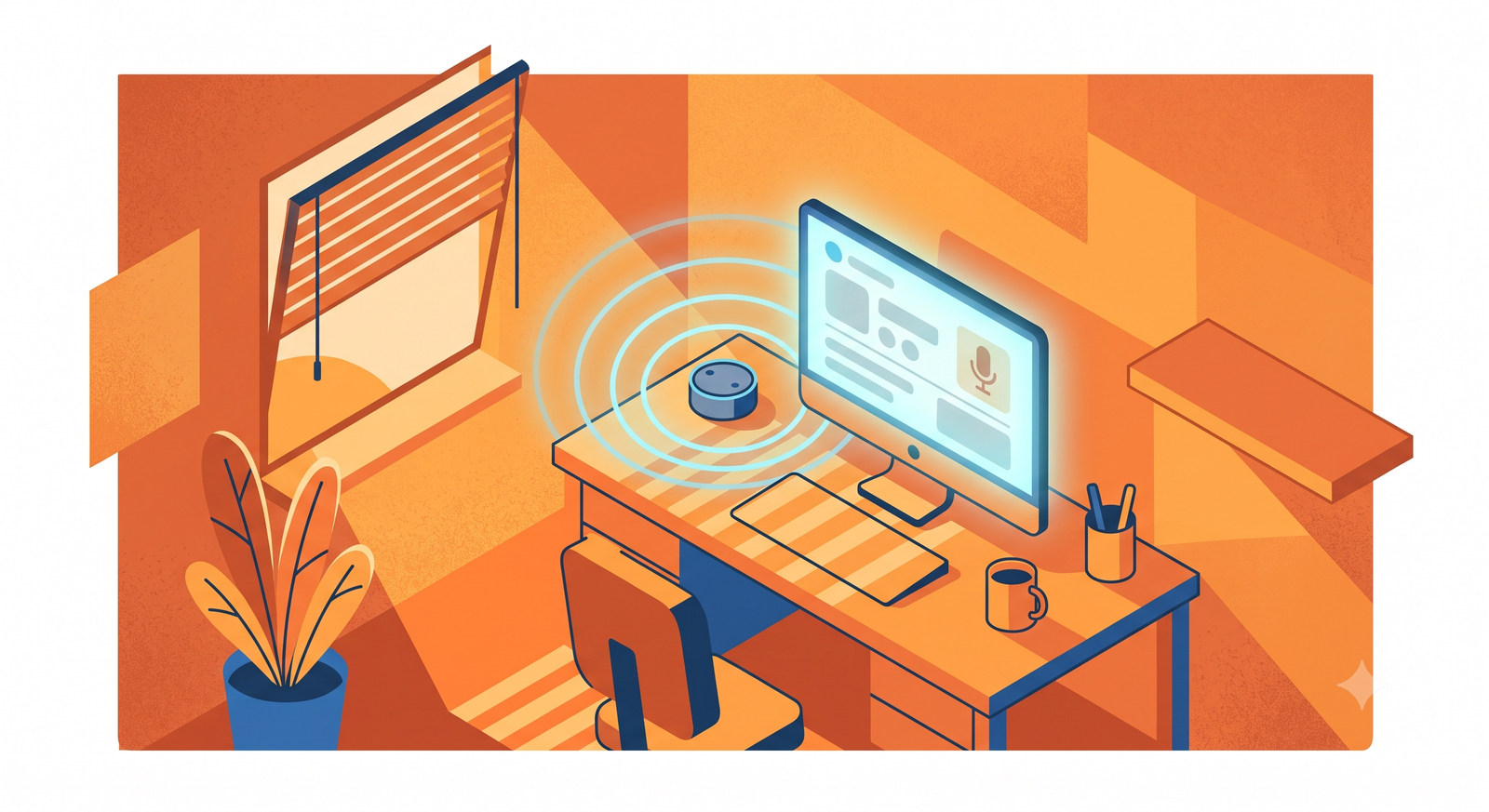
I sit down at my desk between 4 and 7 in the morning, unlock the PC, and the room wakes up around me. TV on, news playing, blinds tilted, and a voice gives me sixty seconds on my day. Every fact in that briefing came out of a sensor or a calendar, never out of the model’s imagination.
the trigger nobody thinks of
The interesting design problem in a morning routine is the trigger. Alarms lie, because you snooze them. Motion lies, because the dog walks past. The signal I settled on: my desktop’s active-window sensor leaving the Windows lock screen, between 4 and 7am, while my phone is off its charger. Unlocking the PC at 5am with the phone in hand means I am awake, at my desk, on purpose. I have never once triggered it by accident.
The active-window sensor comes from an agent app on the PC that publishes the focused window title to Home Assistant. Watching for the transition away from “Windows Default Lock Screen” turns your login into a trigger, which feels like cheating the first time it works.
the wake-up sequence
The office then goes through a choreography that took longer to debug than I want to admit:
The Roku TV powers on first, then waits thirty seconds. The wait exists because the TV’s network control interface wedges right after power-on, and command two lands in the void without it. A volume script sets the preset next. The blinds tilt to 65, enough light to feel like morning without glare on the monitors. Then a Chromecast on another input wakes, grabs the TV’s attention through CEC, and launches the news stream.
None of those steps is clever alone. The lesson from gluing them together: TVs with two streaming devices are a small distributed system, and CEC is their office politics.
the briefing, and the rule that makes it work
While the TV comes up, a speaker in the office reads me a briefing, sixty seconds, composed by an LLM. One rule makes it trustworthy: the model never fetches or guesses a fact. The automation gathers data first and injects all of it into the prompt as text:
- today’s events from the family calendars, with times, via
calendar.get_events - the day’s forecast, pre-generated by a local model overnight
- inside and outside temperatures
- solar battery percentage
- anything unusual: an unlocked door, an open garage, a device with a low battery
The prompt then says, in effect: you are a terse butler; using ONLY the facts above, write a 45–75 second spoken briefing; mention nothing you were not given. The LLM contributes sentence flow and priorities, and the sensors contribute truth. Text-to-speech reads the result. The same run also sends a phone notification with emoji highlights (📅 first meeting, 🌡 temps, ☀ battery), so the briefing survives after the audio ends.
Templating in facts sounds obvious, and it changes how the output fails. A hallucinating briefing erodes trust once and you turn it off forever. A briefing that at worst reads awkwardly stays in service. Boring failure modes keep automations alive.
how it broke for five months
This routine ran for a couple of years, and this spring I noticed I had stopped hearing it. Two silent breaks had stacked up. The original trigger keyed off a smart plug’s power draw from a desk lamp; I rearranged my desk, unplugged the power monitor, and the trigger never fired again. Separately, the conversation agent entity got renamed during an integration update, so even a manual run spoke to an entity that no longer existed.
No error, no notification, no crash. The automation sat there enabled, pointing at ghosts. The rebuild switched to the active-window trigger (no hardware to unplug) and made the briefing a standalone script I can test from the dev tools without turning on a TV at noon. If your automation depends on entity names, an entity rename breaks it silently. Audit for that, or better, have something audit for you. More on that in a future post.
the shape, in yaml
Skeleton of the flow, sanitized, media steps compressed. Entity names are generic stand-ins.
- id: office_morning_wakeup
  alias: "Office — morning wake-up + briefing"
  trigger:
    - platform: state
      entity_id: sensor.my_desktop_activewindow
      from: "Windows Default Lock Screen"
  condition:
    - condition: time
      after: "04:00:00"
      before: "07:00:00"
    - condition: state
      entity_id: binary_sensor.my_phone_is_charging
      state: "off"
    - condition: state
      entity_id: media_player.office_tv
      state: "off"
  action:
    - service: media_player.turn_on
      target:
        entity_id: media_player.office_tv
    - delay: "00:00:30"          # TV control interface wedges after power-on
    - service: script.office_tv_volume_preset
    - service: cover.set_cover_tilt_position
      target:
        entity_id: cover.office_blinds
      data:
        tilt_position: 65
    - service: script.office_launch_news    # streamer wake + CEC grab + app launch
    - service: script.office_morning_briefing
  mode: single

# the briefing script gathers facts, then makes the LLM wordsmith them
- office_morning_briefing:
    sequence:
      - service: calendar.get_events
        target:
          entity_id: calendar.family
        data:
          duration: { hours: 18 }
        response_variable: today
      - service: conversation.process
        data:
          agent_id: conversation.my_llm_agent
          text: >
            Compose a spoken 45-75 second morning briefing.
            Use ONLY these facts, mention nothing else:
            Calendar: {{ today['calendar.family']['events'] }}
            Forecast: {{ states('sensor.ai_forecast_today') }}
            Inside {{ states('sensor.inside_temp') }}°, outside {{ states('sensor.outside_temp') }}°.
            Solar battery {{ states('sensor.solar_battery') }}%.
        response_variable: brief
      - service: tts.speak
        target:
          entity_id: tts.cloud_voice
        data:
          media_player_entity_id: media_player.office_speaker
          message: "{{ brief.response.speech.plain.speech }}"
build order, if you want one
Start with the briefing script alone, triggered by hand, until the prompt and data feel right. Add the trigger second. Wire in the TV theatrics last; they demo well and matter least. The briefing is the part you will still use in five years.
Sixty seconds, zero guesses, and the blinds are at 65 before my coffee cools. If you build one, start with the facts-only rule. It carries the whole thing.